Lipi · Collaboration
Write together, with no server
Share a project, send the invite, and everyone who joins keeps a whole copy. Changes travel directly between you whenever you are online at the same time, and merge. There is no Lipi server, no account and nobody else’s computer in between.
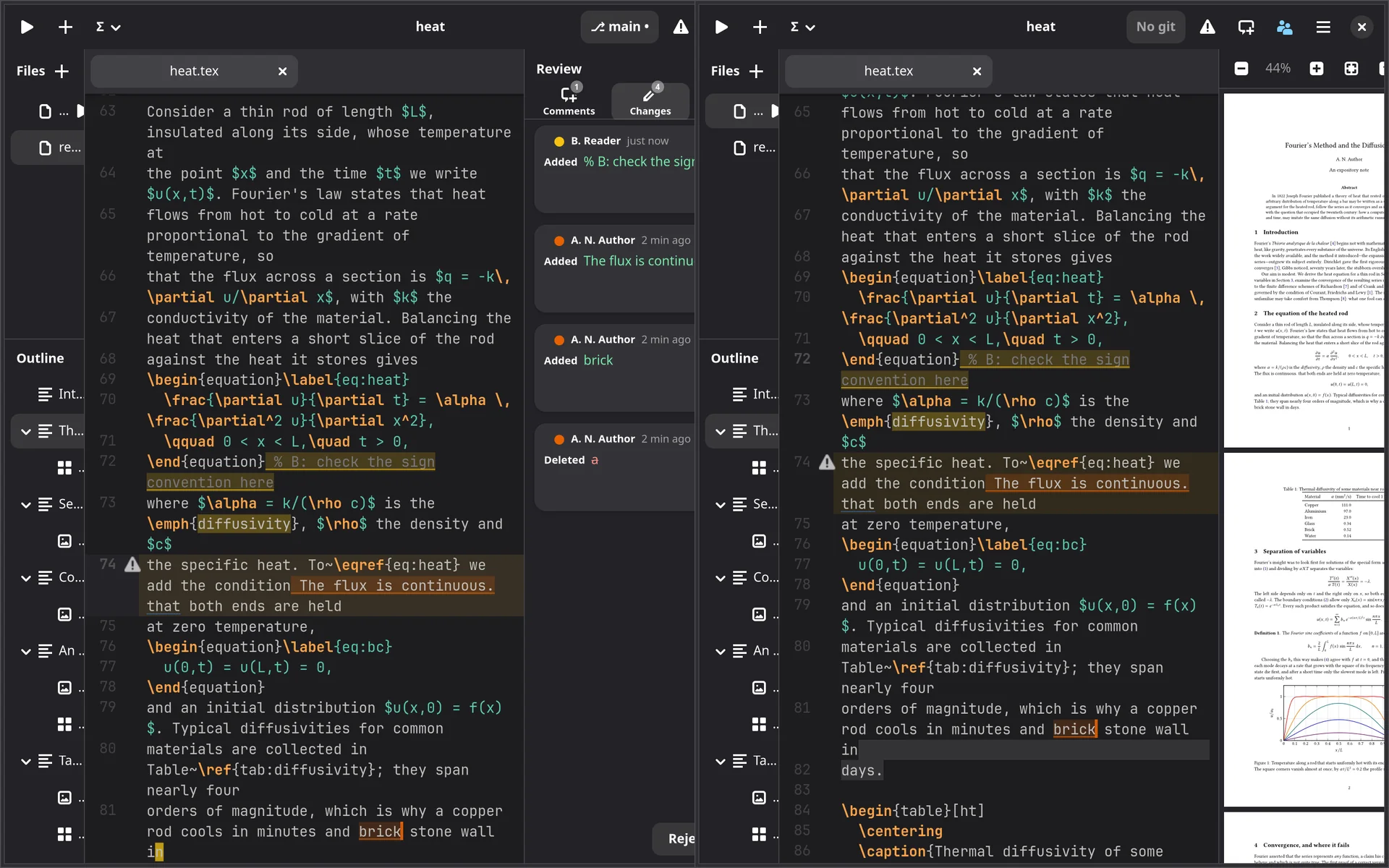
Share once, then just open the project
The people button in the header shares a project and gives you an invite to send. Anyone with it can join, once. After that, Lipi finds the others by itself whenever you are both online. You see where they are: their cursors and selections, in their colours.
- On one network, even without internet. Peers in the same room find each other directly.
- Across the internet connections are direct where the network allows, and otherwise pass through a relay that carries only encrypted bytes.
- Changes made while apart merge when you meet again.
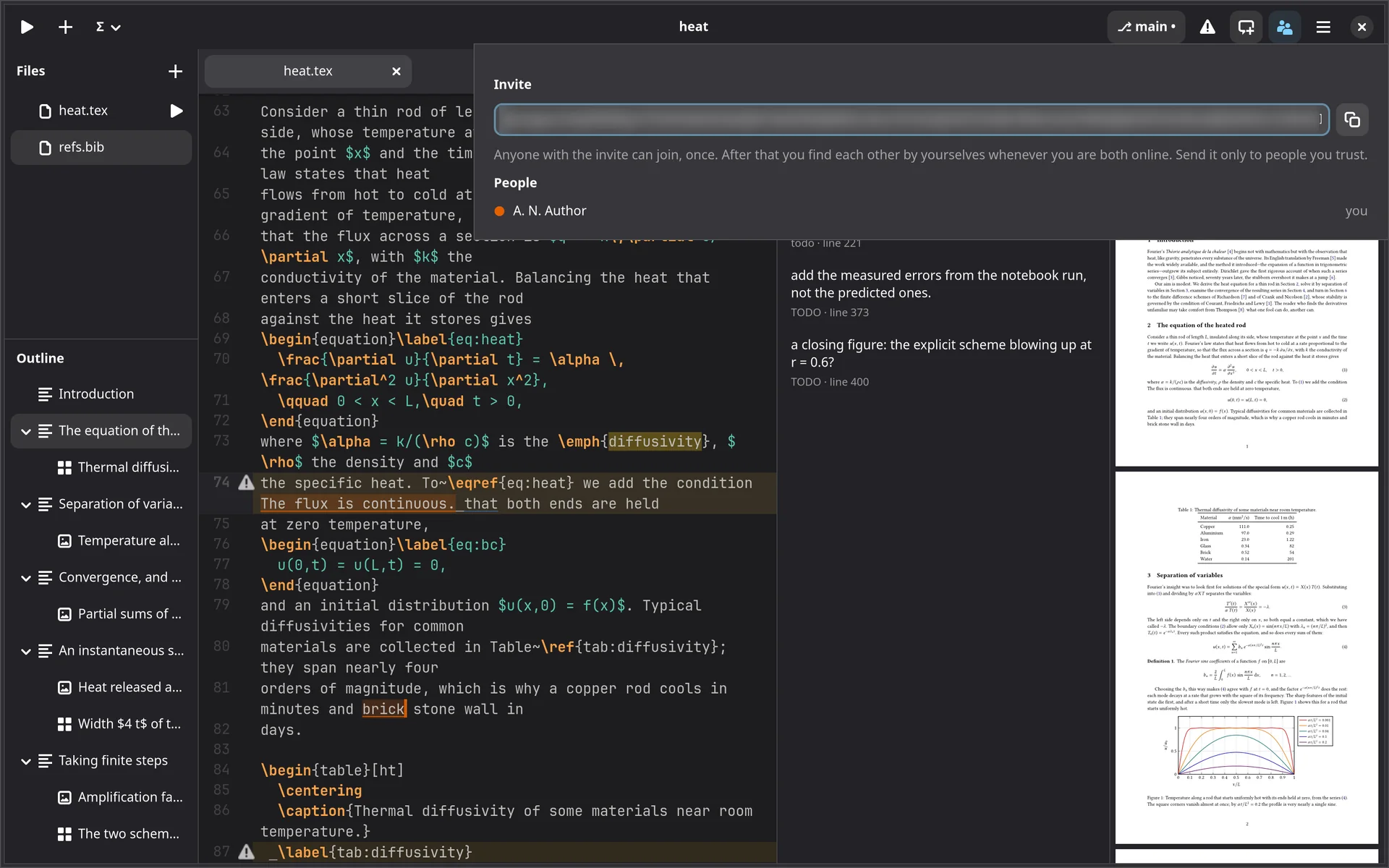
Joining
Paste the invite on the start screen’s Join…, choose where the folder goes, and the whole project arrives from your collaborator, history and all.
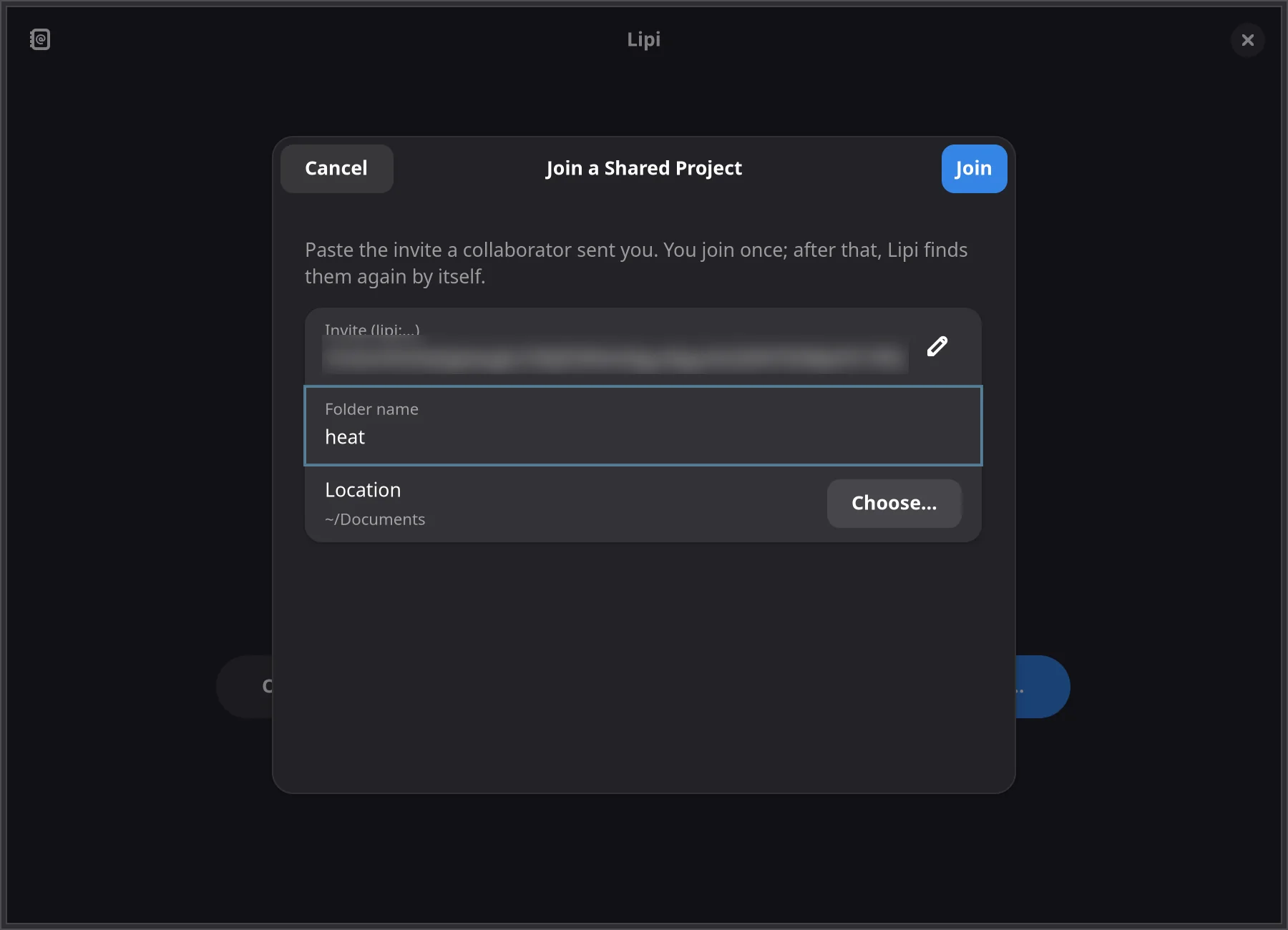
History you can go back to
☰ → History…, or right-click a file: who changed what and when, in sessions, with each file’s diff. Your edits, your co-authors’, and those merged from git.
Restore a file, or the whole project, to how it was after any of them. The restore is itself in the history, so it can be undone the same way.

heat.tex, each session with its diff.Through git, for co-authors who are never online together
Git is in the header: the branch and its state at a glance, commit, pull and push. With Merge with Lipi on, the project’s shared document is committed too, and a pull merges through it rather than line by line. Two people who changed the same line both keep their change, with no conflict markers, and edits made without Lipi are merged as well.
By itself, if you like
Pull on opening; commit, pull and push on closing and every few minutes.
From a terminal too
A git pull in a terminal merges
the shared document through a merge driver Lipi registers, so it never conflicts.
Clone a repository
GitHub, GitLab, Codeberg, Overleaf’s git and the like, over HTTPS or SSH, with your credential helpers and SSH agent.
Plain git is free in every tier. Collaboration, merging through Lipi, and history and restore come with a licence.