Sulekha · Notebooks
A notebook is a PDF
New notebooks start from paper templates, with a coloured cover if you like, and are filed in a library of folders. There is no separate notebook format: the same annotate-and-save path that marks up a paper writes in a notebook.
A library to start from
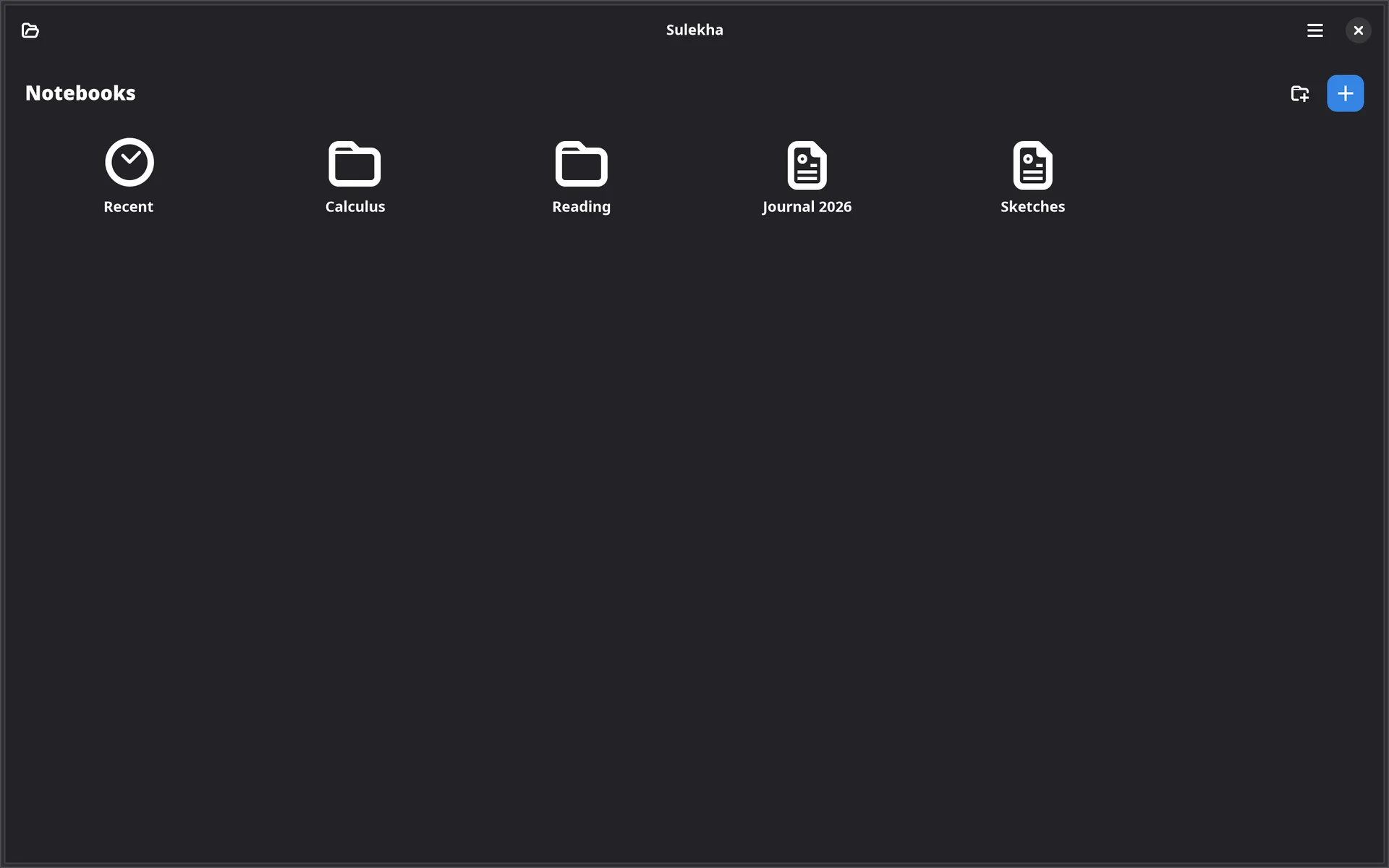
Started with no file, Sulekha opens its library: the notebooks folder, its subfolders,
a Recent list of documents opened from elsewhere, and a +.
Ctrl+L goes back to it.
- Ctrl+N asks for a name and nothing else. Where notebooks go, their paper, size and length come from Preferences.
- A name like
Calculus/Lecture notesfiles it in a subfolder, and the folder button makes one in place. - Paper: blank, ruled, grid, dotted, Cornell or a daily page, in A4, A5, A6, Letter or 16:9 to sit beside a slide deck.
Daily pages
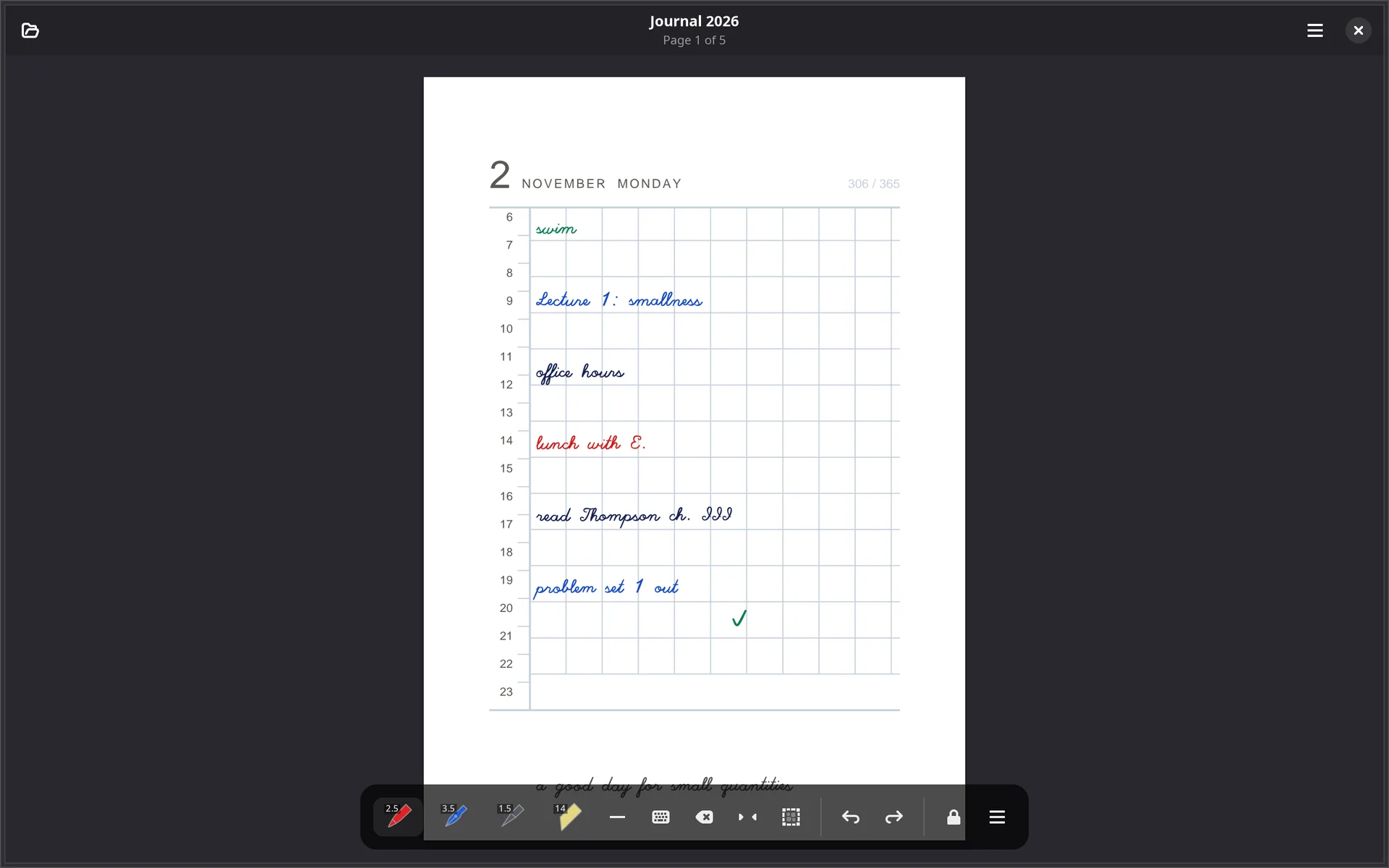
A day to a page, in the manner of a pocket diary: a fine grid, the day’s number set large with the month and weekday beside it, an hour column down the side, and a line at the foot for one sentence about the day.
- The date fills itself in. A daily page inserted after another is the day after it, so writing up a backlog is inserting pages one after another; with no dated page before it, it is today.
- The same design at every size. The grid, margins and type are proportions of the page, so A6 and A4 differ only in scale.
- Four things are adjustable: the hour column and its range, the line of the day, and the day-of-the-year count.
Pages in order
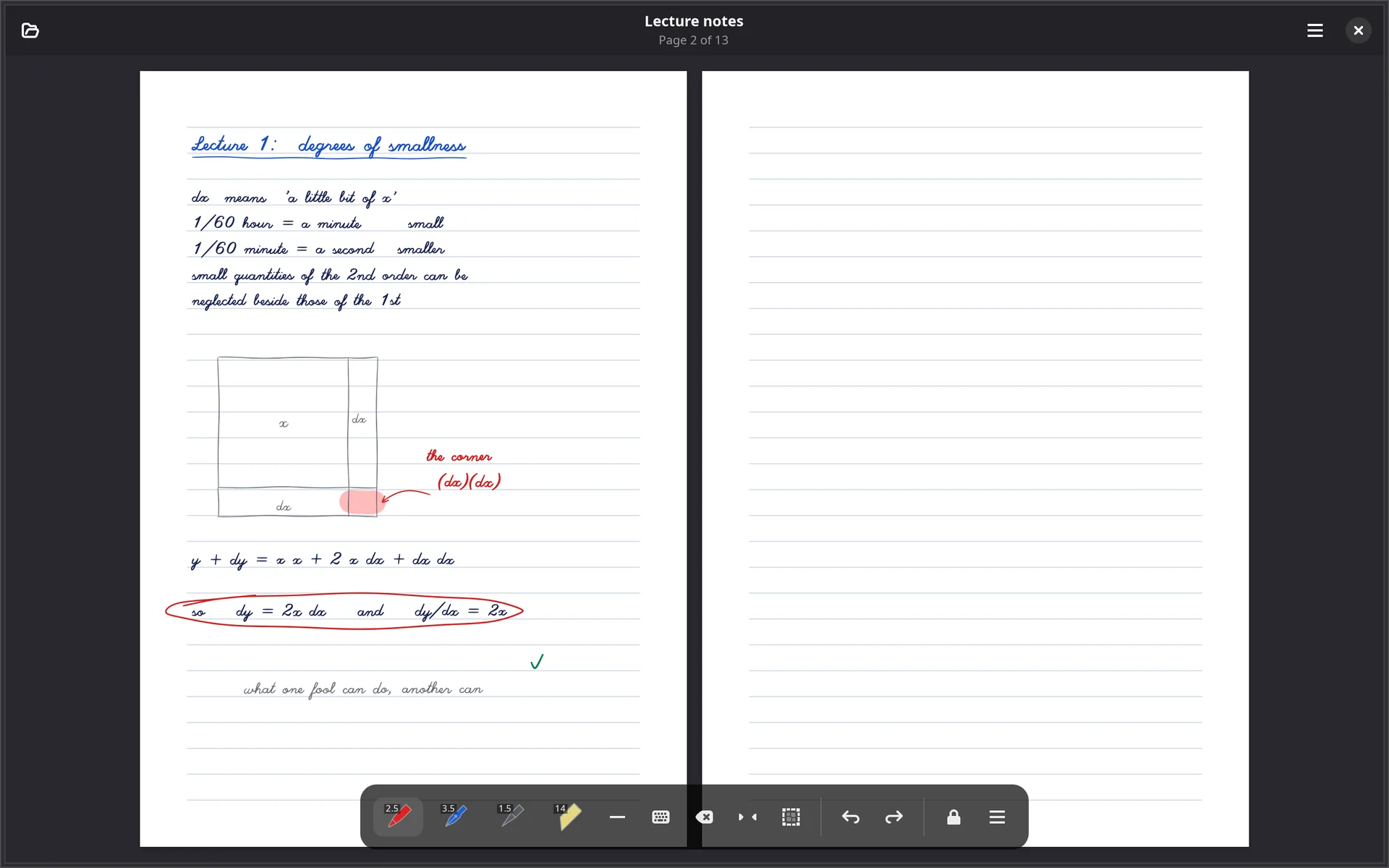
The thumbnail sidebar (F9) is where pages are rearranged: drag one to move it, and Ctrl- or Shift-click to pick several. Every change shows on screen straight away and is a single undo away.
- Insert a page on whichever paper you choose, or delete one.
- Rotate a page in the file, not only on screen.
- Extract a selection to a file of its own, named for where it came
from,
thesis (pages 41-58).pdf, with its ink still editable. The original is left as it was.
| Ctrl+N | New notebook |
| Ctrl+L | The library |
| Ctrl+Return | Insert a page |
| Ctrl+Delete | Delete the page |
| F9 | Pages, contents and notes |
Notebooks, the daily journal, templates and page operations come with a licence. The library and its Recent list are free, and a notebook you made stays an ordinary PDF that opens in any tier and any reader.